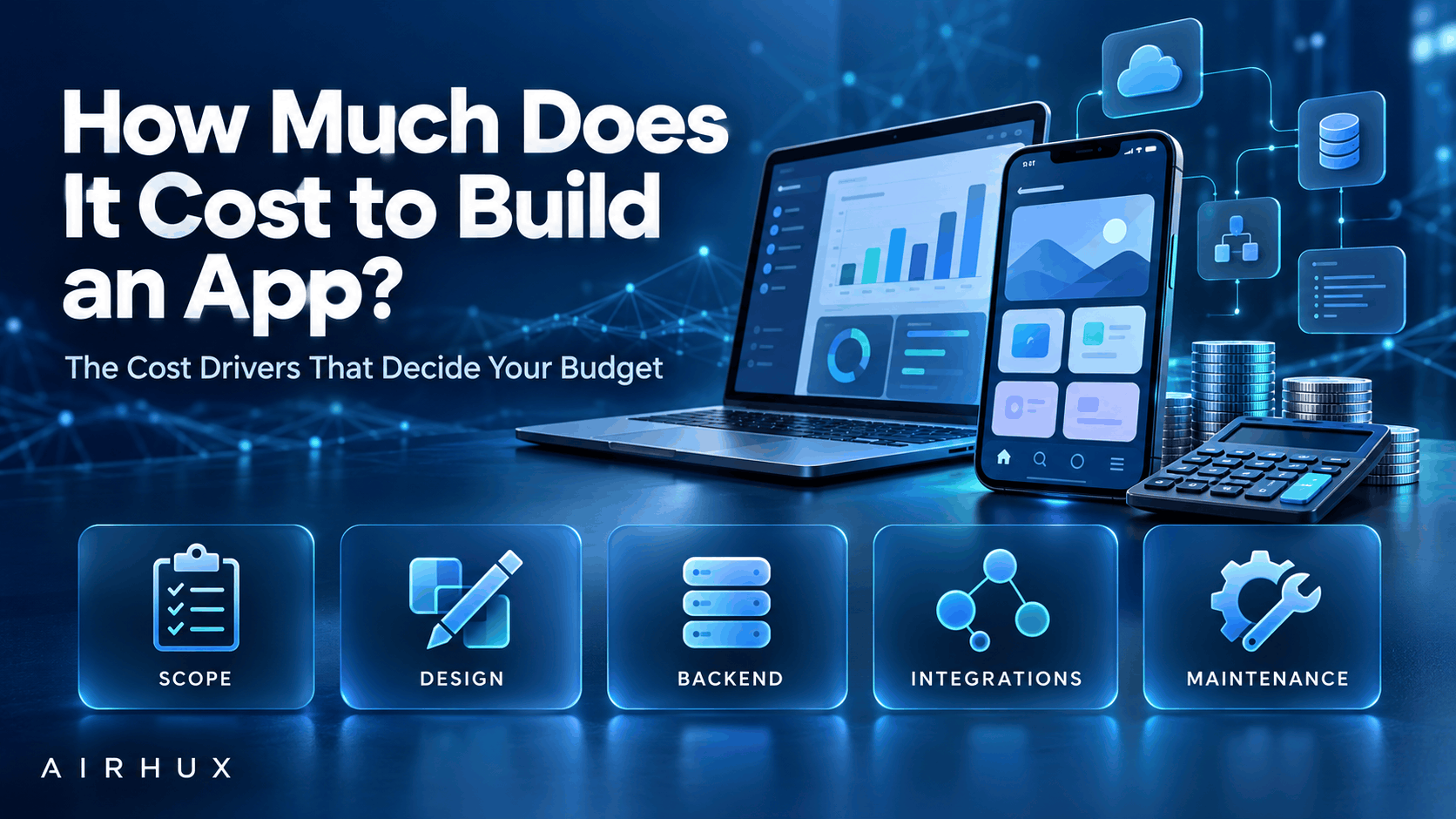
If you are asking how much does it cost to build an app, the honest answer is that the price is set by a small number of decisions you control: how much the app does, which platforms it runs on, how polished the design is, what happens behind the scenes, and who builds it. Two apps that look similar on a phone screen can differ enormously in effort because of what sits underneath.
That is why any number you see quoted without your requirements is a guess. This guide does not give price ranges. Instead it explains each cost driver so you can understand where the budget goes, make trade-offs deliberately, and get an estimate you can trust.
The goal is simple: by the end you should know which questions to answer before you ask anyone for a quote.
1. Scope: The Biggest Cost Driver
Scope is the list of features and the rules behind them. It affects everything else, so it is the first lever to pull.
- Each screen, user role and workflow adds design, development and testing time.
- Business rules such as pricing logic, approvals and permissions add hidden complexity.
- Features like real-time updates, offline mode, search and messaging take more effort than they appear.
- An admin area for your own team is often as much work as the customer app itself.
Write user stories for the core journeys and separate the must-haves from the nice-to-haves. A clear, prioritized scope is the single most effective way to control cost.
2. Platforms: Web, iOS, Android or All Three
Every platform you target adds work. Decide which ones your users actually need at launch.
- A responsive web app reaches every device through the browser and is often the quickest start.
- Native iOS and Android apps give the best device integration but mean two codebases.
- Cross-platform frameworks let one codebase serve both mobile platforms, with some trade-offs for advanced device features.
- App store submission, review guidelines and updates add their own effort.
Launching on one platform first, then expanding, is a common way to manage the budget.
3. Design and User Experience
Design is more than visuals. It covers research, user flows, wireframes, prototypes and a consistent design system.
- Custom illustration, animation and branded components take longer than standard interface patterns.
- Accessibility work, such as keyboard support, screen-reader labels and color contrast, should be planned in, not added later.
- Usability testing with real users catches expensive mistakes before development.
Good design reduces cost overall because it settles questions before code is written.
4. Backend, Data and Infrastructure
The backend is the part users never see: servers, databases, APIs, business logic and the admin tools that run the service.
- Apps that only display information need far less backend than apps that handle accounts, transactions or bookings.
- Data volume, reporting needs and real-time features shape the architecture.
- Cloud hosting, backups, monitoring and logging are ongoing, not one-time.
- Multi-tenant or white-label products, where many businesses share one system, need careful isolation work.
Ask early whether your app needs its own backend or can rely on existing services.
5. Integrations With Other Systems
Most apps connect to something else: payment gateways, maps, email and SMS providers, CRMs, accounting tools or industry suppliers.
- Well-documented APIs with sandbox environments are faster to integrate.
- Older or poorly documented systems take longer and carry more risk.
- Some providers require approval, certification or a commercial agreement before you can go live.
- Every integration needs error handling for when the other system is slow or down.
List every integration in your scope, along with who owns the relationship with that provider. If you are taking payments, our payment gateway integration guide explains what that work involves.
6. Security and Compliance
Security effort grows with the sensitivity of the data you handle and the industry you operate in.
- Authentication, roles and permissions are needed in almost every business app.
- Payments, health data, children's data and personal data in regulated regions bring specific obligations.
- Encryption, audit logs, rate limiting and secure handling of secrets are part of a production build.
- Security reviews and penetration tests add time but reduce serious risk.
Identify your compliance obligations before development starts; retrofitting them is far more expensive.
7. Testing, Quality Assurance and Maintenance
Testing is where many budgets are cut and many projects pay for it later.
- Automated tests protect important behavior as the app changes.
- Manual testing across devices, screen sizes and browsers catches real-world issues.
- Load testing matters if you expect traffic spikes.
- User acceptance testing gives your team a chance to confirm the app does what the business needs.
Treat testing as part of the build, not a phase at the end. And remember that an app is never finished. Once it is live, it needs care.
- Operating system and browser updates can break features.
- Libraries and frameworks need security patches.
- Hosting, monitoring and third-party services have recurring costs.
- Users will ask for improvements, and you will want to act on them.
Budget for ongoing maintenance from the start, and ask any development partner what support they offer after launch.
8. Team Location and Engagement Model
Who builds the app, and how you work with them, shapes both cost and risk.
- In-house teams give control but carry hiring and management overhead.
- Agencies bring a complete team: design, development, testing and project management.
- Freelancers can suit small, well-defined tasks but need more coordination.
- Team location affects rates, time-zone overlap and communication style.
The cheapest hourly rate rarely produces the cheapest app. Experience, process and communication matter more. See how to choose a software development partner for what to look for.
9. How Much Does It Cost to Build an App for You? Getting an Accurate Estimate
A reliable estimate comes from reducing uncertainty before committing to a full build.
- Start with an MVP. A minimum viable product covers the core journey for your first users and nothing more. It gets real feedback sooner and keeps early spending focused.
- Run a discovery phase. A short, paid discovery produces requirements, user flows, a technical plan and a breakdown of effort. It turns a rough guess into an estimate based on your actual needs.
- Choose the right pricing model. Fixed price suits a well-defined scope that is unlikely to change; you get budget certainty, but changes require renegotiation. Time and materials suits evolving products; you pay for the work actually done and can change priorities, but you need to track progress closely.
- Ask for a breakdown. An estimate split by feature and phase shows you where to trim if needed.
Common Mistakes to Avoid
- Asking for a quote before the scope is written down
- Building every feature for launch instead of starting with an MVP
- Targeting all platforms at once without evidence users need them
- Leaving integrations and compliance until late in the project
- Cutting testing to save time
- Not budgeting for maintenance and hosting after launch
- Choosing a team on hourly rate alone
Frequently Asked Questions
Why do app development quotes vary so much?
Different teams assume different scopes, quality levels and processes. One quote may include design, testing and an admin panel while another leaves them out. A written scope and a feature-by-feature breakdown make quotes comparable.
Is a web app cheaper than a mobile app?
Often a responsive web app is a faster starting point because one codebase reaches every device. Native mobile apps make sense when you need deep device features, offline use or an app store presence. The right choice depends on your users.
Should I choose fixed price or time and materials?
Choose fixed price when the scope is clear and stable. Choose time and materials when you expect to learn and adjust as you go. Some projects use fixed price for discovery and the MVP, then time and materials for later phases.
Does buying an existing platform cost less than building?
Sometimes. If a ready-made or white-label product already fits most of your needs, it can be quicker and less risky. Our comparison of custom software vs off the shelf explains how to decide.
How Airhux Can Help
Airhux Technology provides custom software development, web and mobile apps, AI and automation, cloud and UI/UX design. We can help you shape an MVP, work through the cost drivers above and turn your idea into a scope that can be estimated properly.
If you are planning an app and want a clear view of what it will take, start your project with us.
- how much does it cost to build an app
- app development cost
- cost to develop a mobile app
- app cost estimate
- mvp development cost
- web app development cost
- fixed price vs time and materials
- software development budget