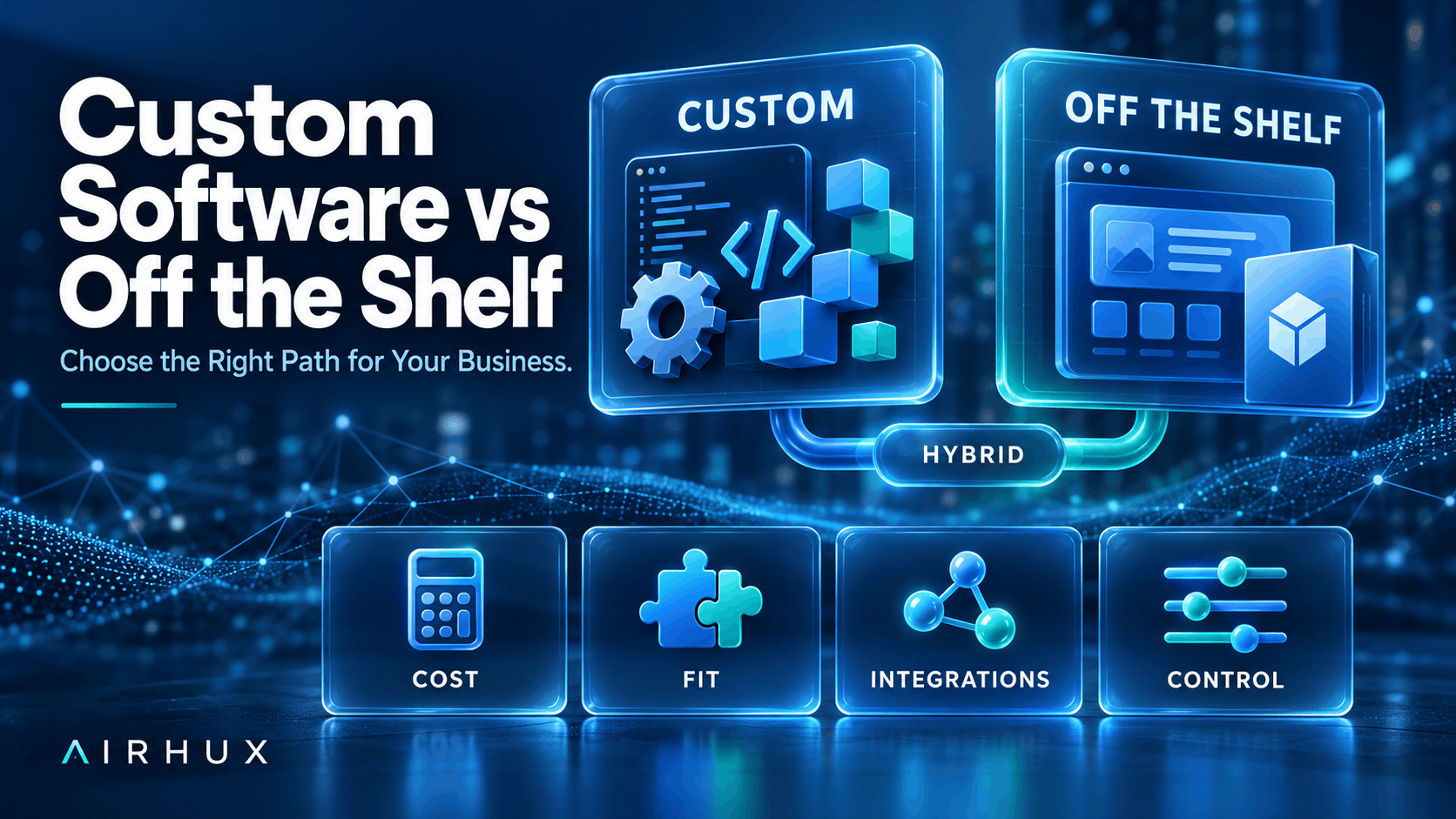
The choice between custom software vs off the shelf comes down to one question: does a ready-made product already fit the way your business makes money, or does your advantage depend on doing something the ready-made products do not do? If an existing tool covers your process with light configuration, buy it. If the process is your differentiator, or the tools you would buy force your team into workarounds every day, building is usually worth a serious look.
Neither option is automatically cheaper or safer. Off-the-shelf software is fast to start and spreads its development cost across many customers, but you accept its roadmap and its limits. Custom software costs more up front and needs ongoing care, but it fits your workflow exactly and you control what happens next.
This guide walks through the factors that actually decide the outcome, so you can make the call with your eyes open.
1. Define the Problem Before Comparing Solutions
Many build-or-buy debates go wrong because the team compares products before agreeing on the problem. Start by writing down the workflow you need to support, step by step, and who does each step.
- List the tasks the software must handle on day one, and the ones that can wait.
- Mark which steps are standard for your industry and which are unique to you.
- Note the systems the software must exchange data with.
- Identify who will use it: staff, partners, customers, or all three.
Standard steps such as payroll, accounting or email are rarely worth building. Unique steps that customers notice, such as how you price, quote, book or deliver, are where custom work tends to pay off.
2. Total Cost of Ownership, Not Just the Sticker Price
Compare the full cost over several years, not the first invoice. Subscription software looks inexpensive at first, but per-seat fees grow with your team, and premium tiers are often required for the features you actually need.
For off-the-shelf software, count:
- Subscription or license fees as your user count grows
- Paid add-ons, integrations and higher tiers
- Configuration, data migration and training
- Staff time lost to workarounds and duplicate data entry
For custom software, count:
- Discovery, design, development and testing
- Hosting, monitoring and security updates
- Ongoing maintenance and feature work
- The internal time needed to define requirements and review progress
The hidden cost on the buy side is usually workarounds. The hidden cost on the build side is usually maintenance. Put both on paper.
3. Fit: How Closely the Software Matches Your Process
Off-the-shelf products are designed for the average customer in a market. If your process is close to average, that is a strength: you get proven workflows built from many customers' feedback.
If your process differs in ways that matter, the fit problem shows up as spreadsheets running beside the system, manual steps between tools, and features your team ignores. Custom software removes those gaps because it is shaped around your process rather than the other way round. Ask your team where they currently copy data by hand; that list is a good measure of fit.
4. Integrations and Data Flow
Most business software does not live alone. It needs to talk to payment providers, accounting, CRM, email, suppliers and partner systems.
- Check whether the off-the-shelf product has a documented API and which integrations are built in.
- Ask whether integrations are included or billed separately.
- Confirm you can export all your data in a usable format.
- For custom software, list every external system and confirm each one offers an API you are allowed to use.
Integrations are often where off-the-shelf tools fall short, and where custom projects spend more time than expected. Plan for both.
5. Scaling and Performance
Think about where the business will be, not only where it is. A tool that works for ten users may become expensive or slow at a few hundred, and a pricing model that suits one location may not suit five.
Off-the-shelf software scales the way the vendor designed it to. Custom software scales the way you design it, which gives you more control but also more responsibility. Ask either option how it handles more users, more data, more transactions and more locations, and what that growth costs.
6. Vendor Lock-In and Control
Buying software means depending on someone else's decisions. The vendor can change prices, retire features, change terms or be acquired. That is not a reason to avoid buying, but it is a risk to manage.
- Read the contract terms for price changes and termination.
- Confirm you own your data and can take it with you.
- Check how hard it would be to switch to a competitor.
Custom software has its own form of lock-in: dependence on the team that built it. Reduce it by making sure you own the source code, the code is documented, and it uses mainstream technologies other developers know. Our guide on how to choose a software development partner covers code ownership in more detail.
7. The Hybrid Approach
The most common outcome is not pure build or pure buy. Many businesses buy proven tools for standard functions and build custom software only where it creates an advantage, connecting everything through APIs.
- Use off-the-shelf products for accounting, HR, email and similar standard work.
- Build the customer-facing experience or core operational workflow that sets you apart.
- Consider white-label platforms that give you a working base you can brand and extend.
- Add custom integrations to remove manual steps between tools.
A hybrid approach keeps custom development focused where it earns its cost, and keeps the rest of your stack simple.
8. A Decision Checklist
Work through these questions with your team before deciding:
- Is the process we need to support a differentiator or a standard function?
- Does an existing product cover most of our day-one needs without heavy workarounds?
- What is the realistic multi-year cost of each option, including staff time?
- Which systems must it integrate with, and do they have usable APIs?
- How will costs and performance change as we grow?
- What happens if the vendor changes pricing or shuts down?
- Do we have the time and people to guide a custom project?
- Can we start with a smaller version and expand later?
If most answers point to "standard" and "covered", buy. If they point to "differentiator" and "workarounds", build, or combine both.
Common Mistakes to Avoid
- Comparing first-year prices instead of total cost of ownership
- Building custom software for standard functions that mature products already handle well
- Buying a tool and then customizing it so heavily that upgrades break
- Ignoring data export and contract exit terms
- Starting a custom build without clear requirements or an internal owner
- Signing a development contract that does not give you ownership of the code
Frequently Asked Questions
Is custom software always more expensive than off the shelf?
Not always. It usually costs more up front, but per-user subscriptions, add-ons and workaround time can make off-the-shelf software more expensive over several years. Compare total cost of ownership for your realistic growth, not the first invoice. See how much it costs to build an app for the cost drivers.
How long does custom software take to build?
It depends on scope, integrations and how quickly decisions are made. Starting with a minimum viable product that covers the core workflow gets something useful into users' hands sooner, and later phases add features based on real feedback.
Can we start with off-the-shelf software and switch later?
Yes, and this is often sensible. The key is to choose a product that lets you export your data and offers an API, so a later move to custom software, or a hybrid setup, does not mean starting from zero.
What is the biggest risk of custom software?
The biggest risk is unclear requirements, which leads to rework and delays. The second is depending on a single developer or agency without owning the code. Clear scope, regular reviews and full code ownership address both.
How Airhux Can Help
Airhux Technology builds custom software, web and mobile apps, AI and automation, cloud solutions and UI/UX design, and we also run our own products. That means we can help you decide honestly whether to build, buy or combine both, and then deliver the parts worth building.
For travel agencies, our Travel SaaS Platform is an example of the hybrid path: a white-label booking platform with your own branded storefront and domain, a B2C site and a B2B agent workspace, ready to use rather than built from scratch. If you want to discuss your situation, start your project with our team.
- custom software vs off the shelf
- build vs buy software
- custom software development
- off the shelf software pros and cons
- saas vs custom software
- bespoke software
- total cost of ownership software
- vendor lock-in