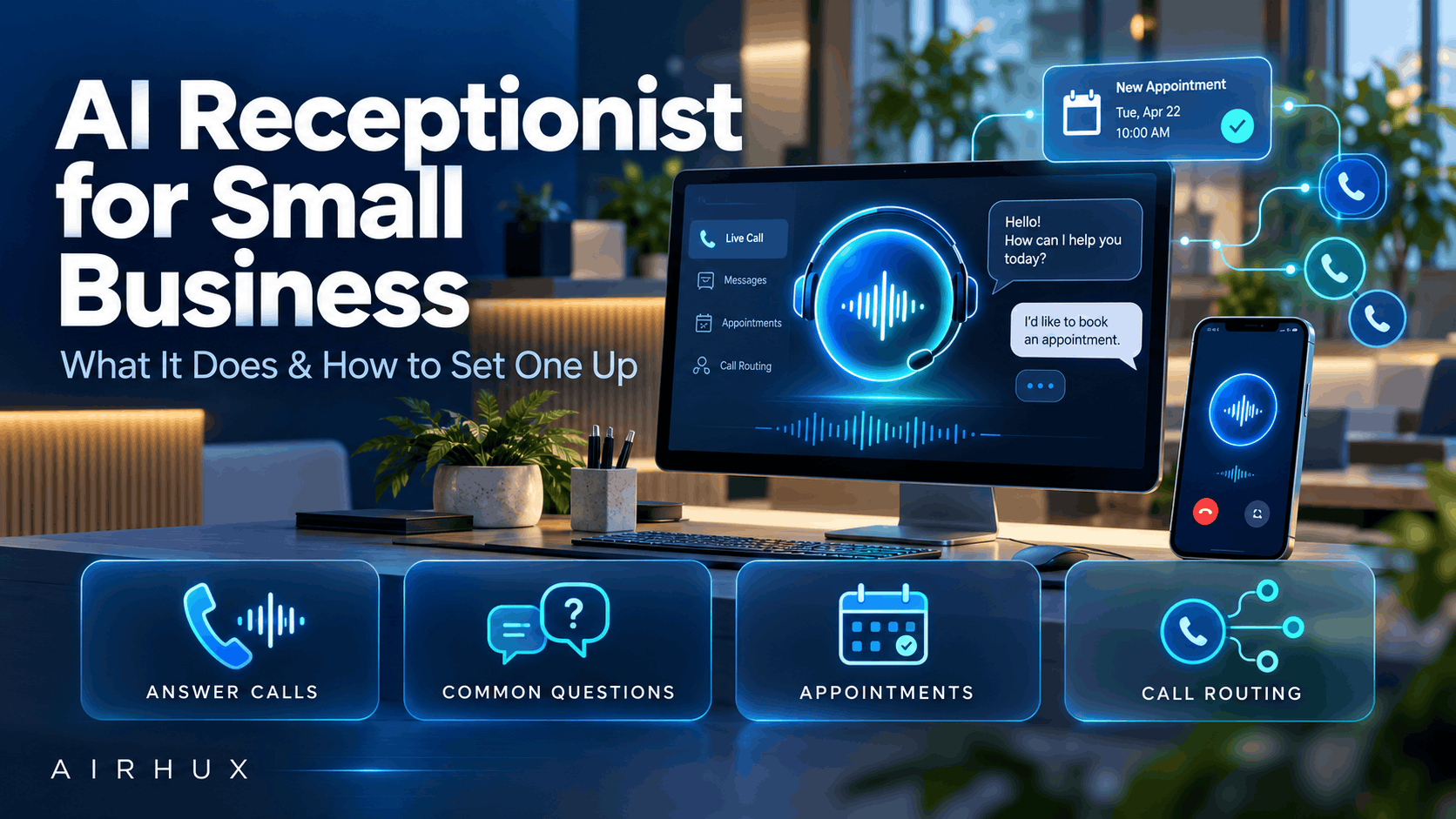
An AI receptionist is a voice system that answers your business phone line, talks with callers in natural language, and handles the routine parts of a call: answering common questions, booking or changing appointments, taking messages and sending callers to the right person. For a small business, the main benefit is simple. Calls get answered, even when everyone is busy or the office is closed.
It is not a replacement for your team. A well-designed AI receptionist takes the repetitive calls off your staff's plate and hands anything complex or sensitive to a person, with the context already captured.
This guide explains what an AI receptionist can do, how to set it up, how handoff to humans should work, what to check on privacy and call-recording consent, and how to measure whether it is working.
1. What an AI Receptionist Actually Does
Modern AI voice systems combine speech recognition, a language model and text-to-speech to hold a conversation rather than read a fixed menu.
Typical tasks include:
- Answering every call promptly, including several at once
- Answering FAQs such as opening hours, location, services, pricing policies and directions
- Booking appointments by checking availability and confirming a time
- Taking messages and sending a summary to the right person
- Routing calls to the correct department or staff member
- Qualifying leads by asking a few questions before passing the caller on
- Sending follow-ups such as a confirmation text or email, where your systems support it
The best results come from giving it a clear, limited job rather than trying to automate every possible conversation.
2. Why Small Businesses Use an AI Receptionist
Small teams often face the same problem: the phone rings while everyone is serving customers, on site or off duty.
- Missed calls can mean missed bookings and customers who call a competitor instead.
- Staff are interrupted by the same questions many times a day.
- After-hours calls go to voicemail, and many callers never leave a message.
- Hiring extra front-desk staff for peak hours is not always practical.
An AI receptionist gives consistent coverage without adding headcount, and frees your team for the conversations that need a human.
3. After-Hours and Overflow Coverage
You do not have to hand every call to AI. Many businesses start with the calls they already lose.
- After hours: the AI answers when the office is closed, books appointments and takes detailed messages.
- Overflow: when all staff lines are busy, the AI picks up instead of letting the call ring out.
- Peak times: the AI handles routine questions during your busiest periods.
Starting with after-hours or overflow lets you test the system with low risk before expanding its role.
4. How to Set Up an AI Receptionist
Setup is mostly about knowledge and rules, not technology.
- List your most common calls. Review recent calls or ask staff what they hear most.
- Write the answers. Prepare accurate, approved answers for each FAQ, including what the AI must not promise.
- Connect your systems. Link the calendar or booking tool, and the contact or CRM system if you want caller details saved.
- Define routing rules. Decide who receives which calls, at what hours, and what happens when nobody is available.
- Set the voice and tone. Choose a greeting and style that fits your brand.
- Test with real scenarios. Call it yourself with typical and awkward questions before going live.
- Launch in stages. Begin with after-hours or overflow, then expand as confidence grows.
Keep the knowledge up to date. Most poor experiences come from outdated information, not from the AI itself.
5. Handing Calls to Humans
A good AI receptionist knows its limits. The handoff design matters as much as the automation.
- Let callers ask for a person at any point and honor that request.
- Transfer automatically when the caller is upset, the request is sensitive, or the AI is not confident.
- Pass along a short summary so the caller does not have to repeat themselves.
- When nobody is available, take a message and set a clear expectation for a callback.
- Define which topics are always human-only, such as complaints, legal questions or medical concerns.
Callers accept automation far more readily when they know a person is always reachable.
6. Privacy and Call-Recording Consent
AI receptionists often record or transcribe calls. That brings legal obligations that vary by location.
- Call-recording laws differ between countries and, in the US, between states. Some places require only one party to consent, others require all parties to consent.
- Tell callers at the start of the call that it may be recorded or handled by an automated system, where required.
- Privacy laws may govern how you store, use and delete call recordings, transcripts and personal details.
- Some industries, such as healthcare and finance, have additional rules for handling customer information.
- Decide how long recordings are kept and who can access them.
Check the rules that apply where your business operates and where your callers are located, and get legal advice if you are unsure. This article is general information, not legal advice.
7. Measuring Results
Set a baseline before launch so you can compare honestly.
- Answer rate: the share of calls answered rather than missed
- Resolution rate: calls fully handled without a person
- Transfer rate: calls passed to staff, and the reasons
- Bookings and leads: appointments booked and messages captured, especially after hours
- Caller feedback: complaints, compliments and abandoned calls
- Staff time saved: fewer interruptions for routine questions
Review call transcripts regularly. They show where answers need improving and which new questions to add.
Common Mistakes to Avoid
- Trying to automate every type of call from day one
- Launching with incomplete or outdated business information
- Making it hard for callers to reach a person
- Ignoring call-recording consent and privacy rules
- Not connecting the booking system, so the AI can only take messages
- Never reviewing transcripts after launch
- Measuring nothing, so there is no way to tell if it is working
Frequently Asked Questions
Will callers know they are talking to an AI?
They should. Being open that the caller is speaking with an automated assistant builds trust, and in some places disclosure is required. A clear greeting and an easy path to a person keep the experience positive.
Can an AI receptionist book appointments?
Yes, when it is connected to your calendar or booking system. It can check availability, confirm a time and send a confirmation, and it can hand off to staff for anything outside the normal rules.
Does an AI receptionist replace my front-desk staff?
It works best as support for your team. It handles repetitive questions, after-hours calls and overflow, while staff focus on complex conversations and in-person customers.
What happens if the AI does not understand a caller?
A well-configured system asks a clarifying question, then transfers the call or takes a message if it still cannot help. Reviewing those calls shows what knowledge to add.
Is it difficult to set up?
The technical side is usually the smaller part. Most of the effort is preparing accurate answers, routing rules and integrations, then testing with realistic calls.
How Airhux Can Help
Airhux VoIP AI provides AI voice for customer conversations, including AI receptionist and call automation use cases. Airhux Technology also offers AI and automation services and custom software development, so we can help you plan which calls to automate and how they connect to the systems you already use.
If you want to explore an AI receptionist for your business, start your project with our team. For more on connecting new tools to your existing systems, see our guide to custom software vs off the shelf.
- ai receptionist
- ai receptionist for small business
- ai phone answering service
- virtual receptionist ai
- ai voice agent
- automated call answering
- ai call handling
- after hours answering service