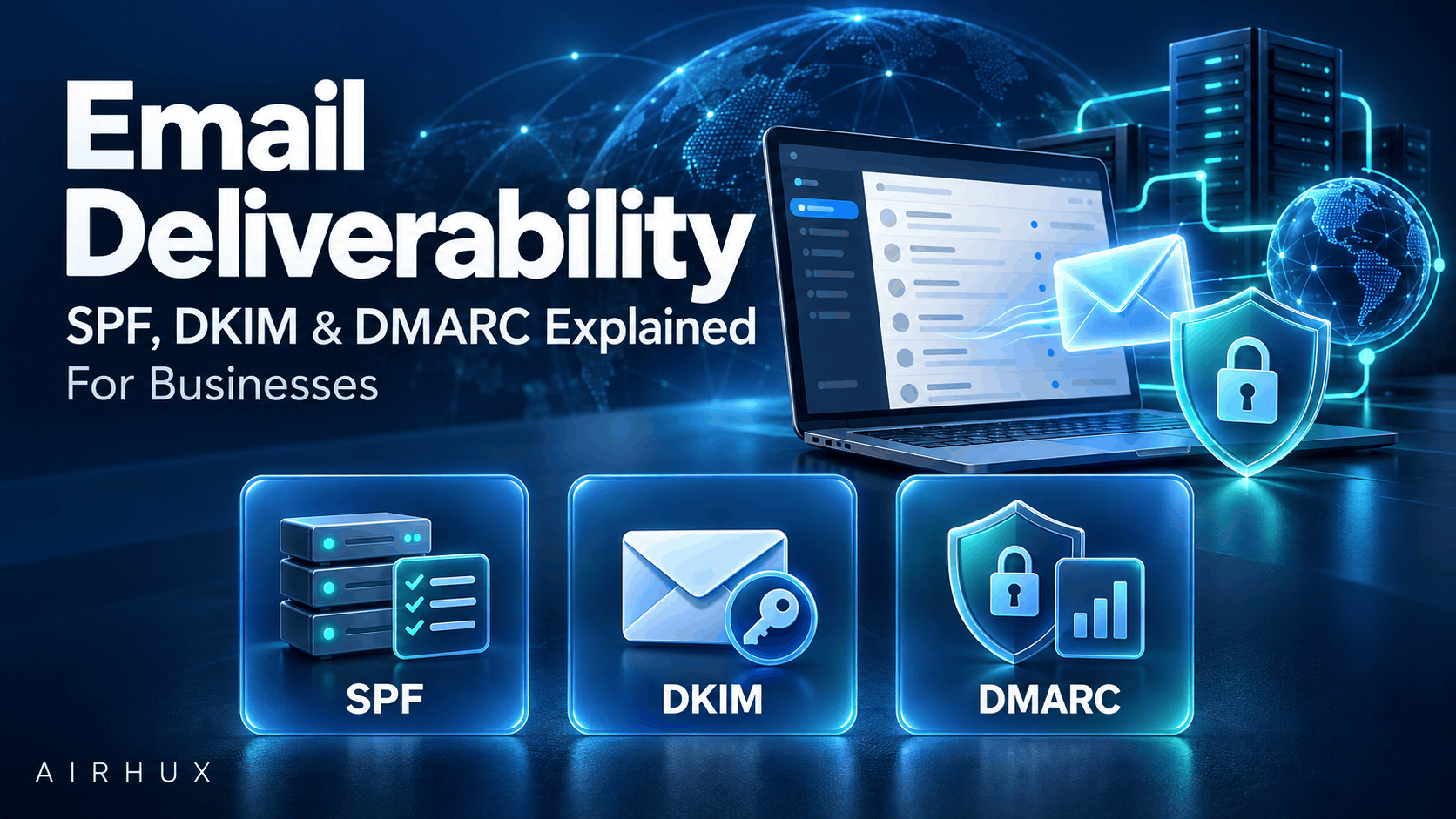
Email deliverability is whether your messages reach the inbox instead of the spam folder or nowhere at all. Three DNS-based standards sit at the center of it: SPF, DKIM and DMARC. Together they prove to mailbox providers that a message claiming to come from your domain really did, which protects your customers from spoofing and protects your reputation as a sender.
Authentication is necessary but not sufficient. Providers also judge how recipients react to your mail: whether they open it, ignore it or mark it as spam. Good deliverability combines correct SPF, DKIM and DMARC setup with clean lists, wanted content and steady sending habits.
This guide explains each record in plain language, how they fit together, and the practical steps that keep your mail in the inbox.
1. Why Email Authentication Matters
Anyone can put your domain in the "From" line of an email. Without authentication, a mailbox provider has no reliable way to tell your real messages from forgeries.
- Authentication helps providers trust your legitimate mail.
- It makes it harder for criminals to send phishing that impersonates your brand.
- Major mailbox providers increasingly expect it, especially from businesses sending in volume.
Every business that sends email, from invoices to newsletters, should have all three standards in place.
2. SPF: Who Is Allowed to Send
SPF, the Sender Policy Framework, is a text record published in your domain's DNS. It lists the servers and services authorized to send email for your domain.
- When a message arrives, the receiving server checks whether the sending server appears in your SPF record.
- Your record should include every service that sends for you: your email host, marketing platform, helpdesk, billing system and so on.
- A domain should publish only one SPF record; combine all senders into it.
- SPF has a limit on the number of DNS lookups it may trigger, so long chains of included services can cause it to fail.
- The record ends with a rule for unlisted senders, typically a soft fail or a hard fail.
A limitation to remember: SPF checks the technical return-path address, not the "From" address the reader sees. That is where DMARC comes in.
3. DKIM: Proving the Message Was Not Altered
DKIM, DomainKeys Identified Mail, adds a cryptographic signature to each message.
- Your sending service signs outgoing mail with a private key it keeps secret.
- The matching public key is published as a text record in your DNS, under a name called a selector, which lets you have several keys at once.
- The receiving server uses the public key to check the signature.
- A valid signature shows the message came from an authorized sender for that domain and was not changed in transit.
Set up DKIM for every service that sends on your behalf, use keys of adequate length as your provider recommends, and rotate them periodically.
4. DMARC: The Policy That Ties It Together
DMARC, Domain-based Message Authentication, Reporting and Conformance, tells receiving servers what to do when a message fails authentication, and asks them to send you reports.
- The DMARC record is a text record published at the dmarc subdomain of your domain, written with a leading underscore as DNS requires; your DNS or email provider will show the exact name to use.
- It states a policy: none (monitor only), quarantine (treat failures as suspicious, often the spam folder) or reject (refuse them).
- It names an address where providers send aggregate reports about mail claiming to be from your domain.
- It can apply the policy to a percentage of failing mail, which helps with gradual rollout.
DMARC is what turns SPF and DKIM from technical checks into real protection for your brand.
5. Alignment: The Detail That Trips People Up
DMARC passes only when SPF or DKIM passes and aligns with the visible "From" domain.
- SPF alignment: the return-path domain checked by SPF must match the "From" domain.
- DKIM alignment: the domain in the DKIM signature must match the "From" domain.
- Relaxed alignment allows subdomains of the same organizational domain to match; strict alignment requires an exact match.
A common problem: a third-party service sends mail with your "From" address but signs with its own domain. SPF and DKIM may pass for that service's domain, yet DMARC fails for yours. The fix is to configure custom DKIM signing, and where possible a custom return-path, on your own domain for every sender.
6. Rolling Out DMARC Safely
Jumping straight to a strict policy can block your own legitimate mail. Roll out in stages.
- Start with none. Publish a policy of none with a reporting address. Nothing is blocked; you just collect reports.
- Review the reports. Identify every service sending as your domain and fix SPF, DKIM and alignment for each legitimate one.
- Move to quarantine. Once legitimate mail passes consistently, apply quarantine, optionally to a percentage of failing mail first.
- Move to reject. When reports show legitimate mail is fully aligned, apply reject so forgeries are refused.
- Keep monitoring. New tools and vendors get added over time; check reports regularly so they do not break.
A DMARC reporting tool makes the machine-readable reports far easier to read.
7. What Major Mailbox Providers Expect From Bulk Senders
Large mailbox providers have tightened their requirements for businesses that send high volumes of email. Exact thresholds and rules vary by provider and change over time, so check each provider's current sender guidelines. In general terms, they expect:
- Authentication: SPF and DKIM set up, a published DMARC record, and alignment with the "From" domain
- Easy unsubscribe: a clear unsubscribe link in marketing mail, with one-click unsubscribe support, and requests honored promptly
- Low spam complaint rates: recipients rarely marking your messages as spam
- Valid infrastructure: correct reverse DNS for sending servers and secure connections
- Wanted mail: messages that recipients signed up for and expect
Meeting these is increasingly the baseline for reaching the inbox at all.
8. List Hygiene, Separation and Warming Up
Authentication gets you through the door. Sending behavior decides whether you stay welcome.
List hygiene
- Send only to people who opted in, and confirm new sign-ups where practical.
- Remove addresses that hard bounce immediately.
- Stop sending to people who have not engaged in a long time, or try a re-engagement message first.
- Never buy or rent email lists.
Separate transactional and marketing mail
- Send receipts, password resets and booking confirmations from a different subdomain or sending stream than newsletters and promotions.
- This keeps critical messages flowing even if a marketing campaign draws complaints.
Warm up new domains and IP addresses
- Start with small volumes to your most engaged recipients.
- Increase volume gradually over several weeks while watching bounces and complaints.
Common Mistakes to Avoid
- Publishing more than one SPF record for a domain
- Exceeding SPF's DNS lookup limit with too many included services
- Letting third-party tools send without custom DKIM on your domain
- Setting DMARC to reject before reviewing reports
- Sending marketing and transactional mail from the same stream
- Making unsubscribing hard to find or slow to take effect
- Sending large volumes from a brand-new domain without warming up
Frequently Asked Questions
Do I need SPF, DKIM and DMARC if I send only a little email?
Yes. Even low-volume senders benefit, because authentication protects your domain from spoofing and helps your invoices and replies reach customers. The setup is a one-time effort plus occasional maintenance.
Why are my emails going to spam even with SPF and DKIM?
Common causes are missing DMARC alignment, a poor sender reputation, high complaint rates, sending to old or unengaged addresses, or content that looks like spam. Check DMARC reports and engagement before changing anything else.
How long should I stay at a DMARC policy of none?
Long enough to see every legitimate source of your mail in the reports and fix it. That depends on how many services send for you. Move on once reports show legitimate mail passing consistently.
What is the difference between quarantine and reject?
Quarantine asks receivers to treat failing messages as suspicious, usually by placing them in spam. Reject asks them to refuse failing messages entirely. Reject offers the strongest protection once your legitimate mail is fully aligned.
How Airhux Can Help
Airhux EPS is an enterprise email provider focused on deliverability. Airhux Technology also offers cloud services and custom software development, so we can help you plan how your applications send email, from booking confirmations to customer notifications.
If your messages are not reaching the inbox, or you are planning a new product that sends email, start your project with our team. For a related topic, read our payment gateway integration guide.
- email deliverability
- spf dkim dmarc
- what is dmarc
- dmarc policy
- how to set up spf record
- dkim signature
- email authentication
- bulk sender requirements
- why are my emails going to spam